Alternate Accounts
Make sure to review the 🧑⚖️ Overview of Policies and Punishment Guidelines before reviewing the Detecting Alternate Accounts Policy.
Welcome to the Alternate Accounts Wiki Page! This page will go over the New Alternate Account Detection and Verification System (hereafter referred to as AltVerify) along with how to Handle Players Using Alternate Accounts! Alternate Accounts are strictly against the rules for players. However, just because two accounts are on the same IP does not mean that they are alternate accounts. Many of our players live together, and therefore we have developed a full verification system for the tracking of these accounts and to simplify the process of detecting players who are using alternate accounts.
How Alternate Accounts Are Detected
With AltVerify, a notification will be sent to all online staff members when a player joins a world and has another account on their IP address that has not been verified to be a separate player.
Additionally, you can manually check a specific player to see if they have any accounts on their IP with the command /alts check <player>. You can also see the alt report for all players online in the same world as you with /alts report.
All of the above three methods will send you the alt report for a player. This report will show you any history of other accounts on the same IP as the player you specified, the online/offline status of each account, what server each account is on, and what time each account last logged in at. (Additionally, as discussed a bit later on this page, using the check or report commands will also allow you to see accounts on the same IP that have been previously verified as separate people. )
The alt report you receive in chat will look something like this:

You can hover over the players listed to view more about each account:

So, if you ever see that multiple unverified accounts are on the same IP with AltVerify, you should now move on to attempting to verify the accounts or reveal them as alternate accounts!
Attempting to Verify Accounts as Separate Players
If you have used one of the above methods to identify multiple unverified accounts on the same IP, the next step is to reach out to the player(s) and inform them that alternate accounts and that if they are separate people then they must complete a quick verification. Most of the time, players will either admit they are using an alternate account or identify that they are separate people. If they admit that they are using an alternate account, you can move on to Use of Alts for information on how to handle the players. Otherwise, we can use AltVerify to help us verify the players as separate people (or reveal their lies)!
After informing the player(s) that they must verify as separate people, when you are ready to verify them, go to spawn and run the command /alts gameroom enter <player1> <player2> <player3> <player4> (note that only two accounts are required but no more than four can be done at the same time). After running this command, the players will be teleported from whatever server they are currently on to individual rooms in spawn, pictured below:
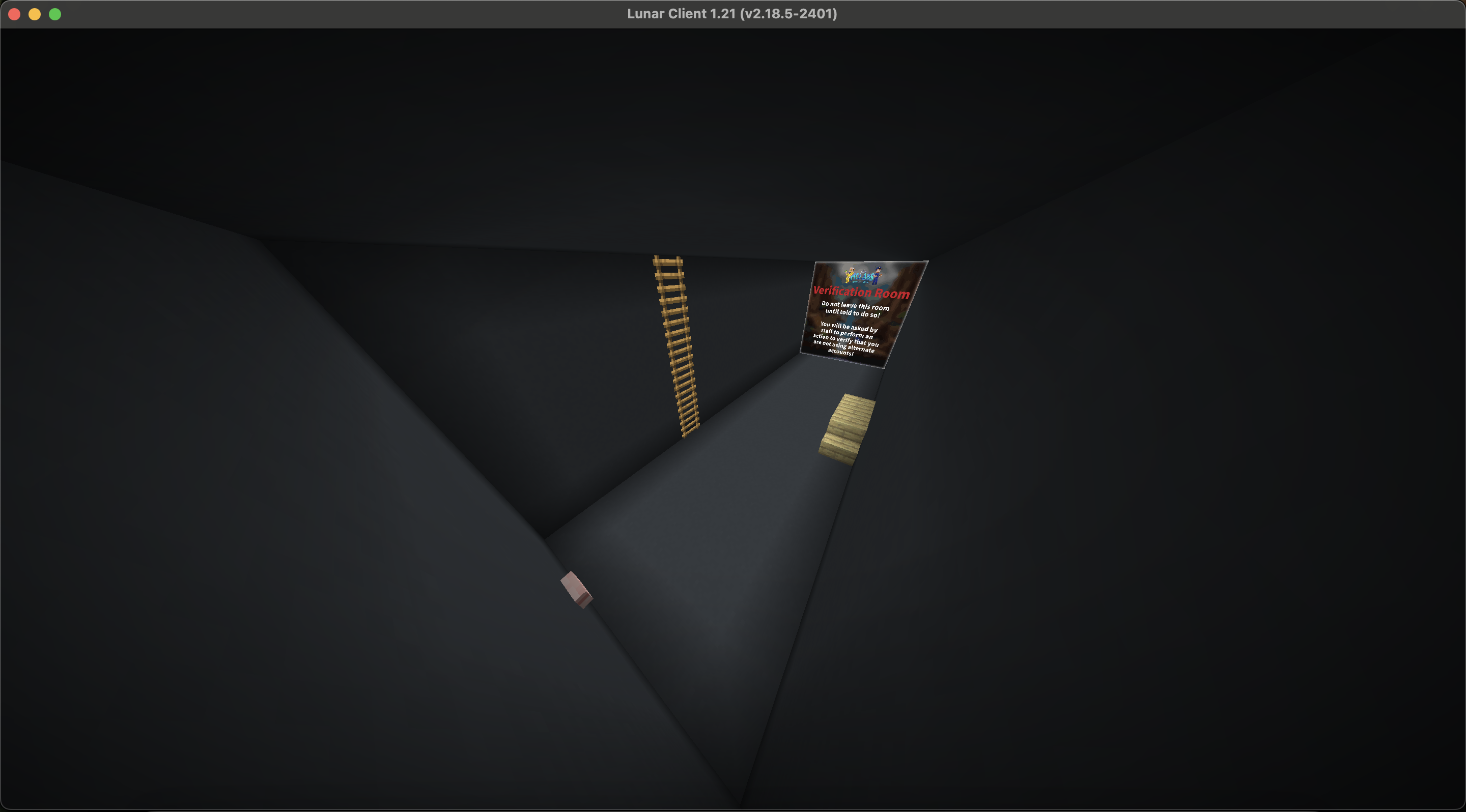
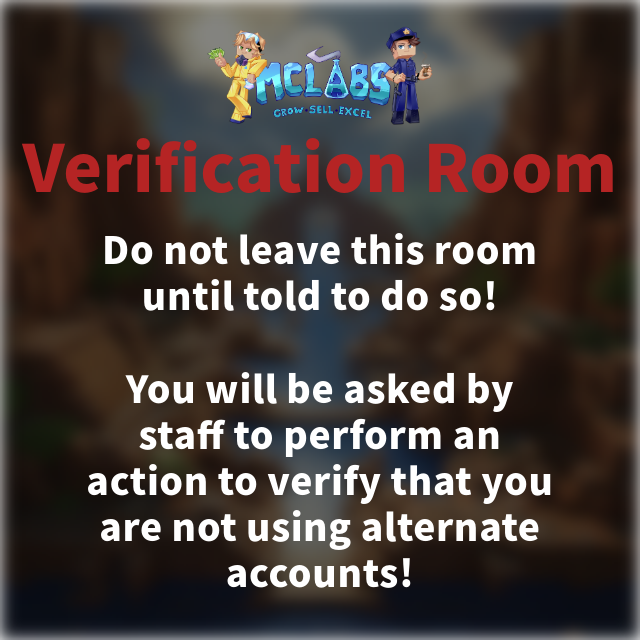
Along with the giant poster (which actually serves as a one-way wall for you), the player will receive a message in chat and a title pop-up that instructs them not to leave and to wait for instructions. If they choose to leave or ignore you, you may proceed to punish them as if they are guilty of using an alternate account as described at Use of Alts.
You will also notice that you will be teleported to the center of four of these rooms with the ability to see inside:
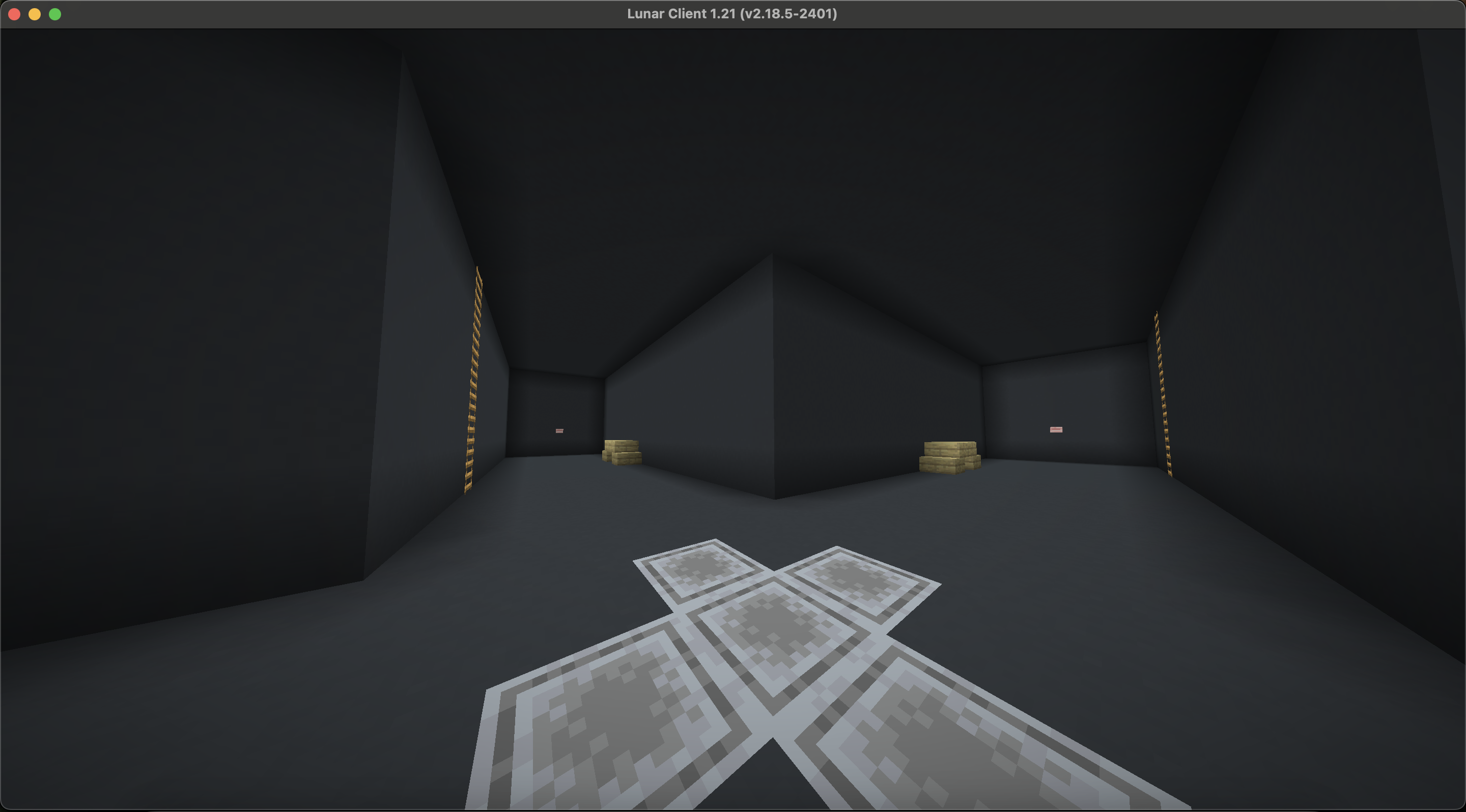
From here, you can begin the verification process. You can instruct the players to each perform an action, such as running around, hitting the button, parkouring on the table, or climbing the ladder. From your viewpoint, you will be able to watch all of them at the same time. To message them instructions, you can use the command /alts gameroom message <message> to send the same message to all players at the same time. The goal is to get them to perform enough actions independently that require both conscious aim and movement such that a single person could not be controlling both accounts at the same time.
Once you have made them perform such an action, you can choose whether to ban them in accordance with the guidelines at Use of Alts if you believe they are alternate accounts or free them with /alts gameroom exit if they appear to be separate people! If they are separate people, make sure to mark them as verified in the below section so other staff know!
Marking Accounts as Verified
One important feature that AltVerify provides is the ability to easily mark players as verified separate people. To do so, simply use the command /alts verify <player1> <player2> <player3> <player4>. Similar to the verification room, you must specify at least two players, but no more than four.
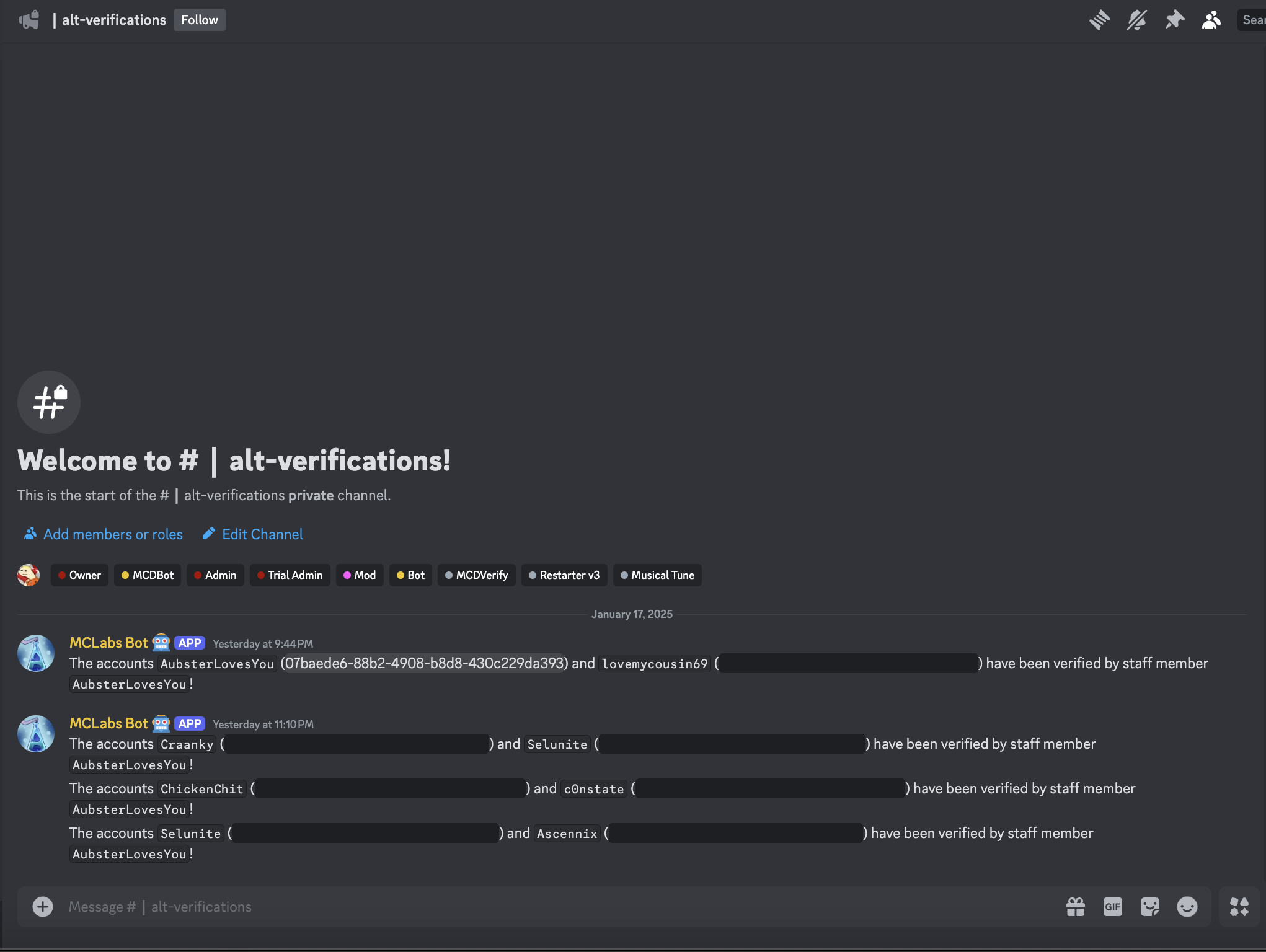
Doing this will not only mark the accounts as verified, but also send a message logging the verification to the new alt reports discord channel. This makes it much easier to check if accounts have already been verified and searching for previous verifications:
Checking If Accounts Are Verified
Checking if players have already been verified as separate people is very simple with AltVerify. You can use the same command described at the top of this page, /alts check <player>, to display their alt report. If the players have been verified previously as separate accounts, their names will be golden as shown below:

Hovering over their names will also show the 'Verified Player' identifier and the date that the players were verified on:

If for some reason you need to check from discord or just want to look back for another reason, you can also check the logs that are put in new alt reports discord channel. Also, keep in mind that players who were verified previous to AltVerify will not show up as verified in-game or in the new discord channel yet - if a player states they were previously verified, or if you think that they have been previously verified and want to check to make sure, search for the player's name in the old alt reports discord channel.
Another new feature that is provided by AltVerify that was not done with the previous alt reports channel is the use of player UUID's. Player UUID's allow us to refer to an account regardless of if they change their name. In-game, although you see the player's name, their verification is related to their UUID - meaning they can change their name and will still show up as verified in-game.
Additionally, the discord verification logs also provide the UUID's as spoilers incase they are ever needed for lookup:

With AltVerify, we are now able to accurately track players who have been verified, and quickly detect any players attempting to use alternate accounts. If you have any questions, feel free to reach out to Aubie.